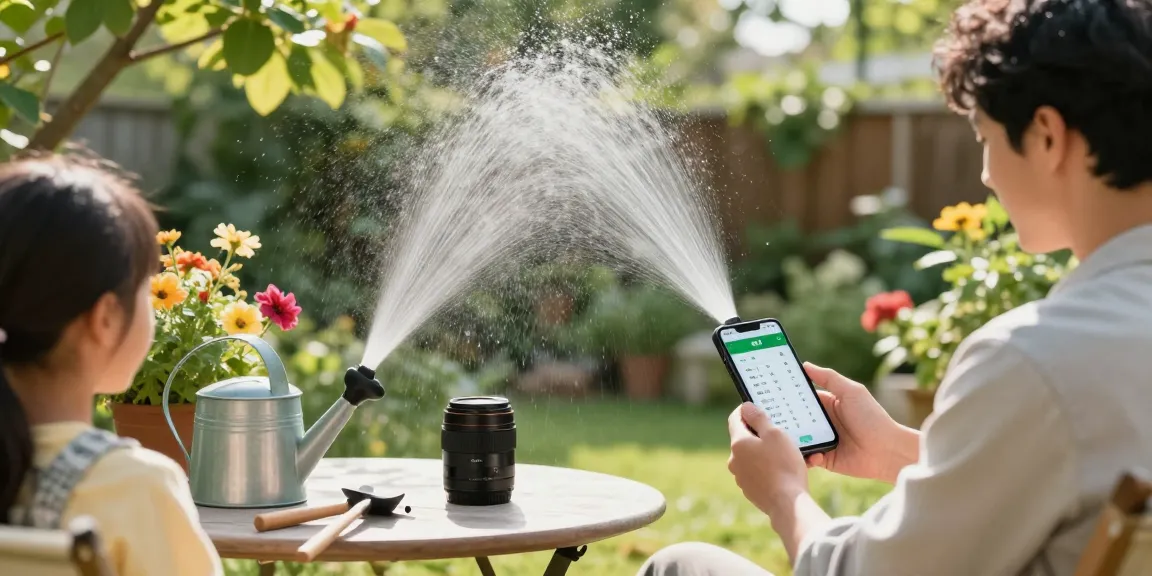
When Miguel noticed yellowing grass in large patches on his suburban Atlanta lawn and moss pushing up through the turf, he blamed fertilizer—until the soil stayed wet days after rain. Across the yard Mrs. Chen’s petunias were wilting even though the drip lines were on each morning; the pots felt soggy to the touch. These are common homeowner scenes where the real problem isn’t neglect but too much water applied at the wrong time.
Why overwatering happens (and the first step toward fixing it)
Overwatering usually comes from three simple mistakes: watering on a fixed clock regardless of weather, running irrigation for too long, or applying water at suboptimal times of day. For example, a typical manual sprinkler run of 20 minutes three times a week can double-apply water after a heavy storm, creating shallow roots and disease-prone, waterlogged soil. University extension guidance often recommends watering deeply and infrequently to promote healthy root systems; conversely, surface sogginess is a sign roots aren’t reaching down.
Signs that you’re overwatering
- Yellowing or wilting leaves despite wet soil.
- Standing water or muddy spots after routine irrigation.
- Fungal growth like mildew, moss, or mushrooms in turf or beds.
- Slow plant growth and frequent need to mow soggy grass.
Start by checking soil moisture with a screwdriver or a simple probe: if it’s waterlogged 2–4 inches down, reduce or reschedule watering. The goal is to match how much and when you water to the plant type and soil. That’s where a smart irrigation timer becomes the practical fix — it replaces guesswork with data-based scheduling and automatic adjustments.
How a smart irrigation timer solves common overwatering mistakes
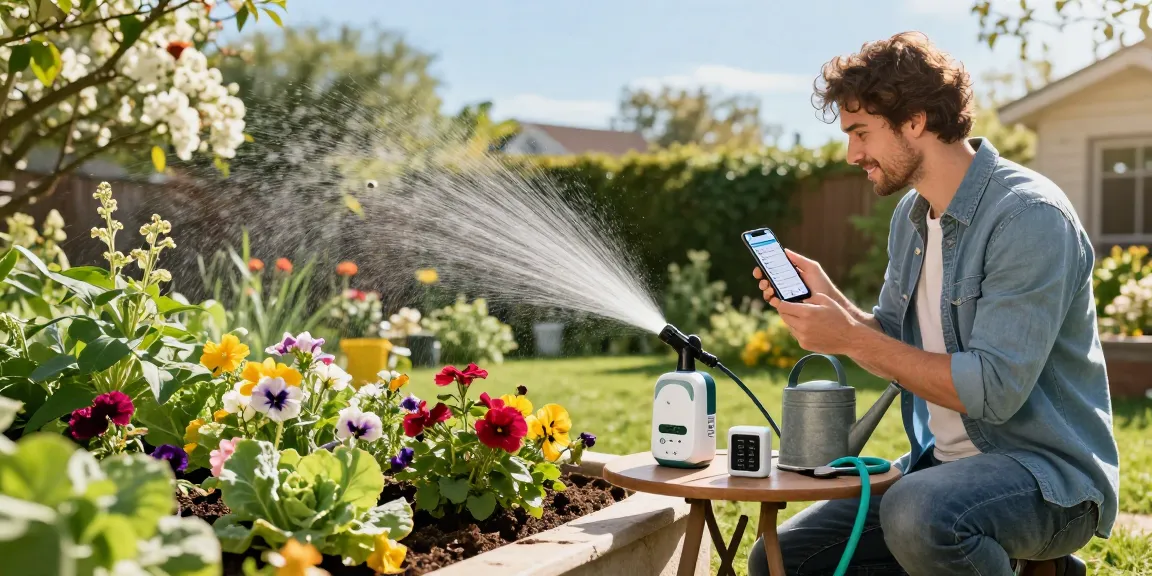
Problem → Solution: running sprinklers on a rigid schedule regardless of weather. A WiFi-enabled timer such as the RainPoint model lets you pause scheduled watering for rain and warm-up periods, or change run times from your phone. The U.S. EPA estimates smart controllers can save water by using weather and soil data to reduce irrigation needs; some programs cite savings that average several thousand gallons per year for a typical household (EPA WaterSense reports highly variable but meaningful savings depending on climate and landscape).
Practical setup examples
- Small lawn with mobile sprinklers: Use a WiFi timer to create shorter runs and add a simple rain sensor so the rotors don’t run after storms. Example: reduce from 20 minutes to 10–12 minutes per zone and monitor turf response for two weeks.
- Large in-ground system: Pair the timer with soil-moisture sensors in high and low areas so the controller skips cycles when moisture is adequate.
- Vegetable garden and raised beds: Use short, frequent drip sessions in the morning with the timer’s multiple daily start times to keep root zone moisture steady without saturation.
To make adjustments on the fly and fix overwatering issues with a smart irrigation timer, click into the setting to trim run times, change seasonal adjustments, or use weather-based skips — all actions that prevent water sitting at the surface and reduce fungal problems.
Matching the right hardware to the watering problem
Problem → Solution: applying the wrong delivery method for the plants you have. Not every yard needs the same setup. For flower beds and shrubs that need gentle, root-zone watering, soaker hoses or low-flow drip emitters are a better match than high-pressure sprinklers which wet foliage and encourage disease.
Yard areaCommon overwatering causeRight RainPoint-style solutionSmall lawnExcess runtime from portable sprinklersShorter timer cycles + seasonal adjustLarge lawnUniform schedule across different soil typesMulti-zone WiFi controller + soil sensorsVegetable gardenOverhead watering and long soak timesDrip kit with daily short runsFlower bedsWatering at midday and wet foliageSoaker hoses on morning schedulePotted plantsContinuous trickle or daily long runsSelf-watering spikes with timer short bursts
A smart irrigation timer is most useful when paired with the correct delivery hardware. For example, a DIY mobile sprinkler setup for a small lawn benefits from a timer that supports multiple short start times per day; a vegetable plot needs a drip kit and timer combo to give frequent but measured doses of water without puddles.
Adjusting schedules and monitoring—what to do week to week
Problem → Solution: not fine-tuning after installation. Once you’ve installed a smart timer and correct hardware, weekly checks for the first month keep you on track. Try this simple routine: inspect soil moisture 2–3 inches down after a scheduled run; trim run time by 10–20% if the soil is still wet; lengthen by 10–20% if the soil is dry an inch below the surface.
A practical example schedule
- Cool-season lawn (spring/fall): 2 deep runs per week, 20–30 minutes per zone depending on soak rate.
- Warm-season lawn (summer): 1–2 runs per week, 25–35 minutes per zone, with early morning start (4–7 AM).
- Vegetable beds: 5–7 short runs per week, 6–12 minutes each, timed 5–10 AM.
Local extension services give region-specific guidance; for instance, many state extensions recommend early morning watering to reduce evaporation and disease. Use the timer’s seasonal adjust feature to reduce run length during cooler, wetter months and increase slowly as temperatures rise. If you prefer hands-off monitoring, a WiFi timer from RainPoint can handle those seasonal tweaks automatically and send alerts if a sensor detects unusually high moisture.
One last tip: install a simple soil probe or low-cost moisture sensor in representative spots—turf, a flower bed, and a vegetable bed. Track those readings for two weeks after changes. You’ll spot trends (for instance, clay-heavy areas holding moisture 30–50% longer), and you can trim schedules accordingly. Combining the right hardware with a responsive smart timer turns the typical overwatering story—soggy soil, weak roots, and fungal issues—into steady, healthy moisture levels that plants actually prefer.